

Chat and composer
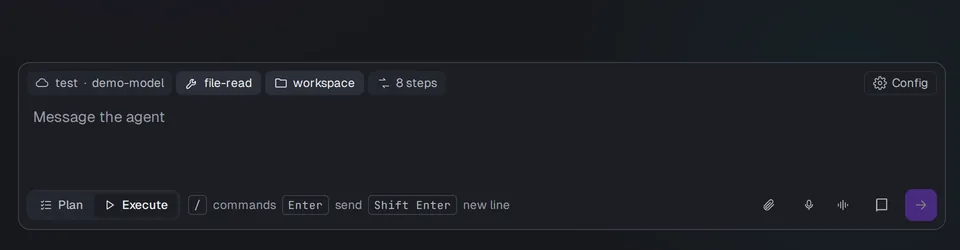
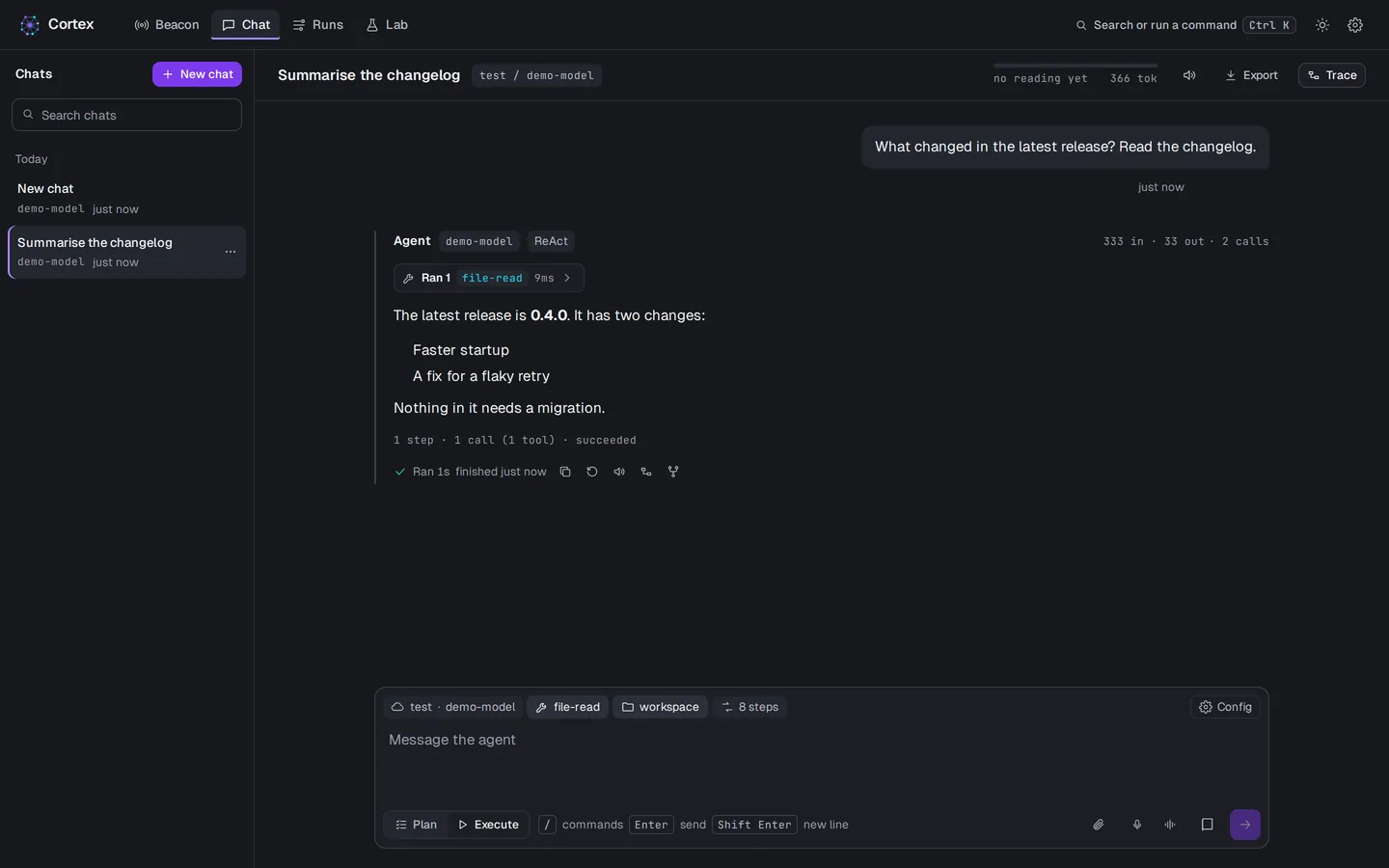
The Chat view provides a conversational interface for multi-turn dialogue with any agent. Chats are listed in the left rail, newest first under Today and Earlier, with a search box, each chat’s model and when it was last used, and a dot on the chat whose reply is running. Each row’s More actions menu edits the chat’s settings, renames it or deletes it. Opening a chat lands on its latest turn. Each chat preserves the full conversation history.
Answers read as prose (15px, a comfortable line length) with code, ids, tool names and token counts in monospace. Your messages sit on the right; the agent’s turns sit on the canvas with a thin rail on the left that moves while the turn runs and turns red when it did not finish. An empty chat shows starter prompts.
Chat sessions are powered by @reactive-agents/svelte under the hood — the same createCortexAgentRun primitive that you can use in your own Svelte frontend.
What do you want to do?
Section titled “What do you want to do?”| I want to… | Go to |
|---|---|
| Read what a chat turn shows: transcript, cost, goals, to-do, failed turns, rich answers | Chat sessions and turns |
| Set the model, tools, workspace and limits, tag files, attach pictures, audio or files | Composer, Config and attachments |
| Plan first, edit the plan, then Execute | Plan and Execute mode |
| Stop, pause and continue a run, compact a long chat, let the agent change its own setup | Stop, continue, compact and agent control |
Slash commands at a glance
Section titled “Slash commands at a glance”In a chat, these slash commands drive longer work:
/goal,/plan,/execute(/go),/loop,/schedule: see Goals, plans and loops. Goal segments, schedule fires and loop ticks stream live into the open chat (tokens, tool chips, to-do updates) like a turn you typed, and reloading the page mid-segment reattaches to it./agent on— opt the chat into agent session control (“let the agent manage this chat”). Off by default./tools— the tool disclosure picker (all,index,discover, or tier)./mcp— turn an MCP server on for this chat, or/mcp add <command or URL>./btw <question>— a read-only side question about the run in progress; never changes the run.
A tool call shows the arguments it was called with as soon as it starts, so a long-running call (a slow shell command, a large fetch) says what it is doing before it finishes; credential-shaped values (API keys, bearer tokens, ?key= query values) are redacted on screen. A turn that pauses for approval shows an approval card in the thread, and one that asks you a question shows a reply box (Yes/No, choices, form fields, or free text). A live context meter reads the ContextPressure event, and a TokenUsage event drives the live input/output counters and the per-call strip; estimates are marked ~. Usage details consolidate into the Inspector’s Context tab (session, provider/model, context limit, usage, total/input/output/cache tokens, message counts, cost, timestamps, raw messages) alongside Steps and Run trace.
See also Approvals and questions, Voice and Memory and skills.
Install
Bun (recommended)bun add reactive-agentsNode 22.5+npm install reactive-agentsGet notified on new releases